 Contrail
The sidebar browser for Mac, iPhone and iPad.
Group your tabs into Spaces and pick them up on your other Apple devices. It’s free and needs no account.
Free beta on TestFlight · See it on iPhone Duo ↓
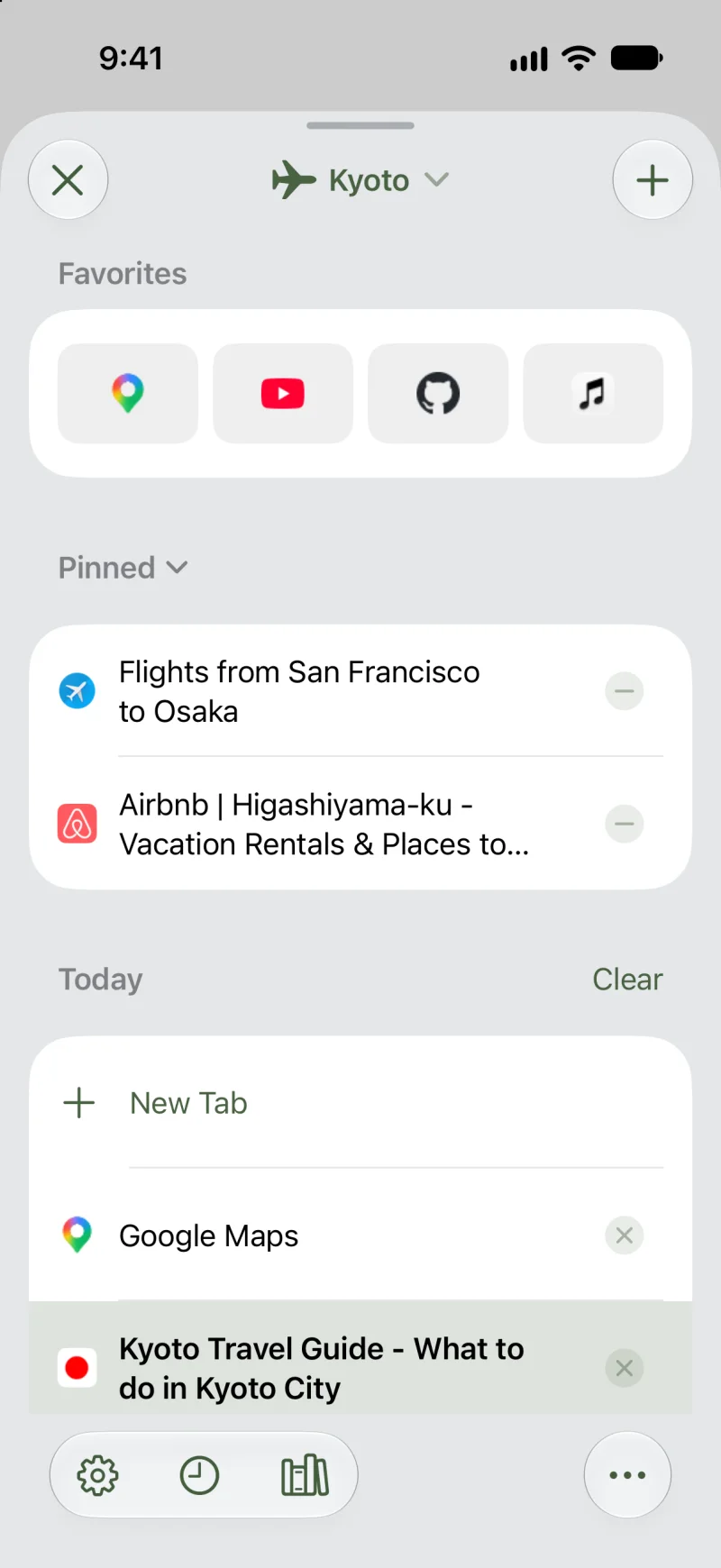

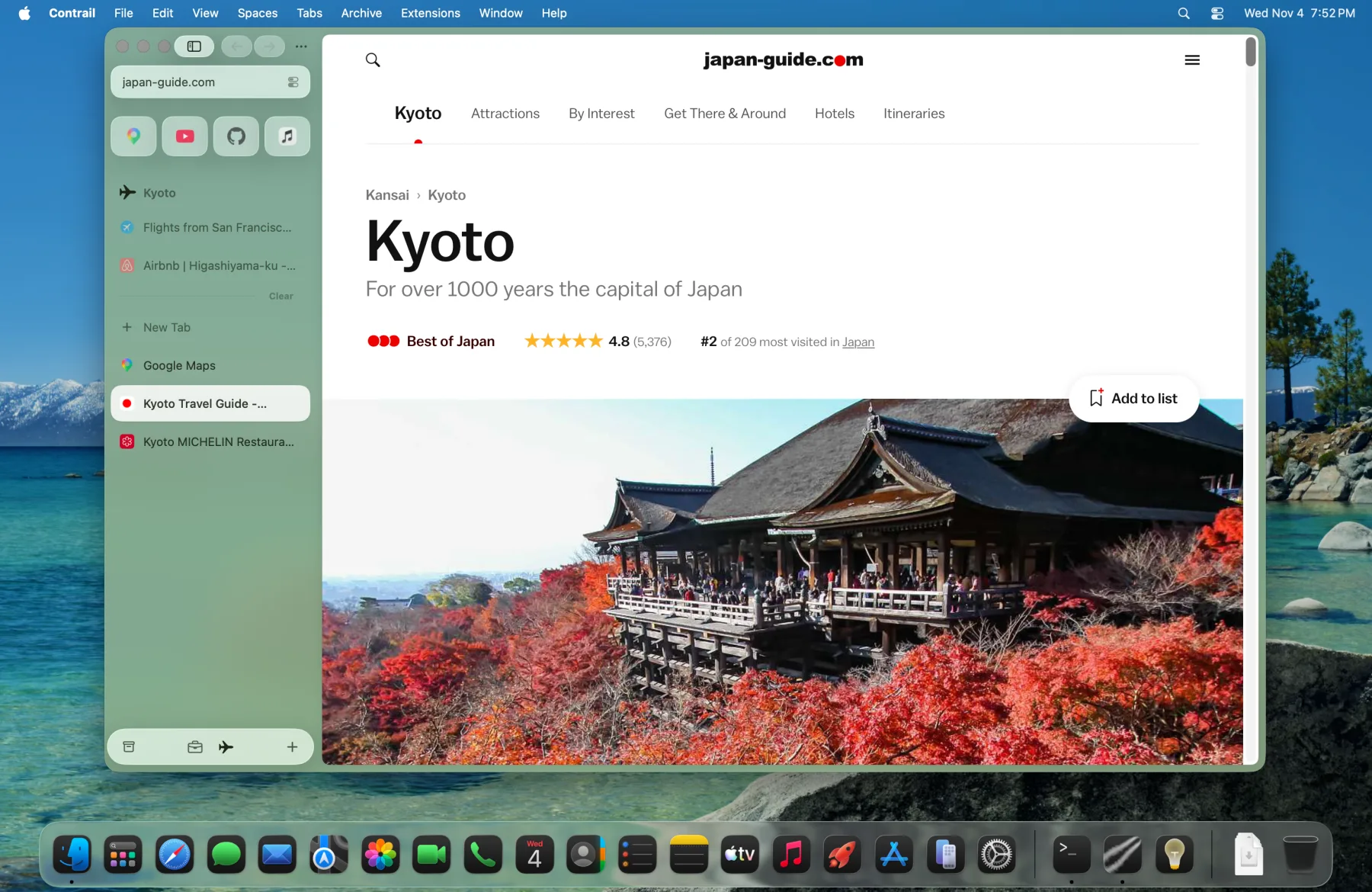

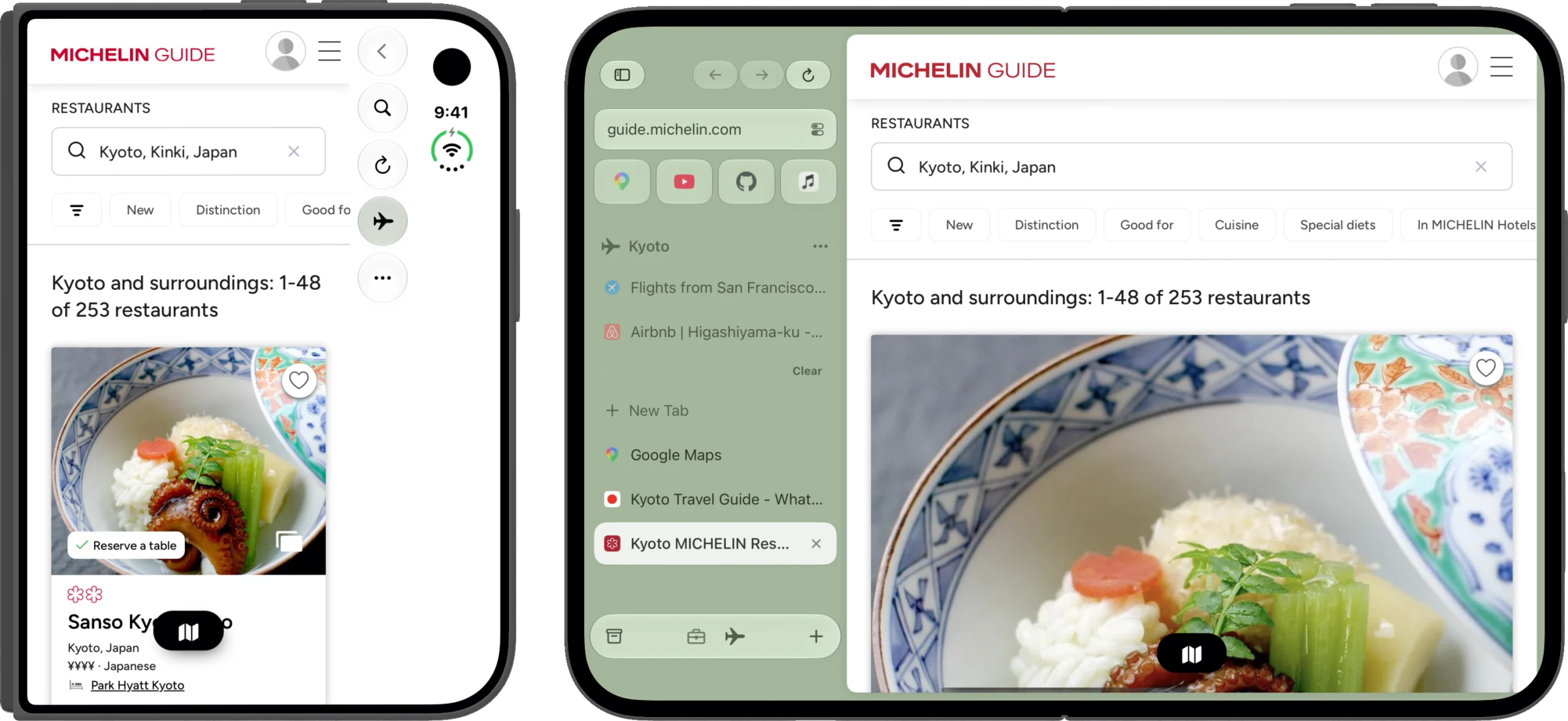
The full sidebar on iPhone Duo.
Unfold it and your tabs sit beside the page.
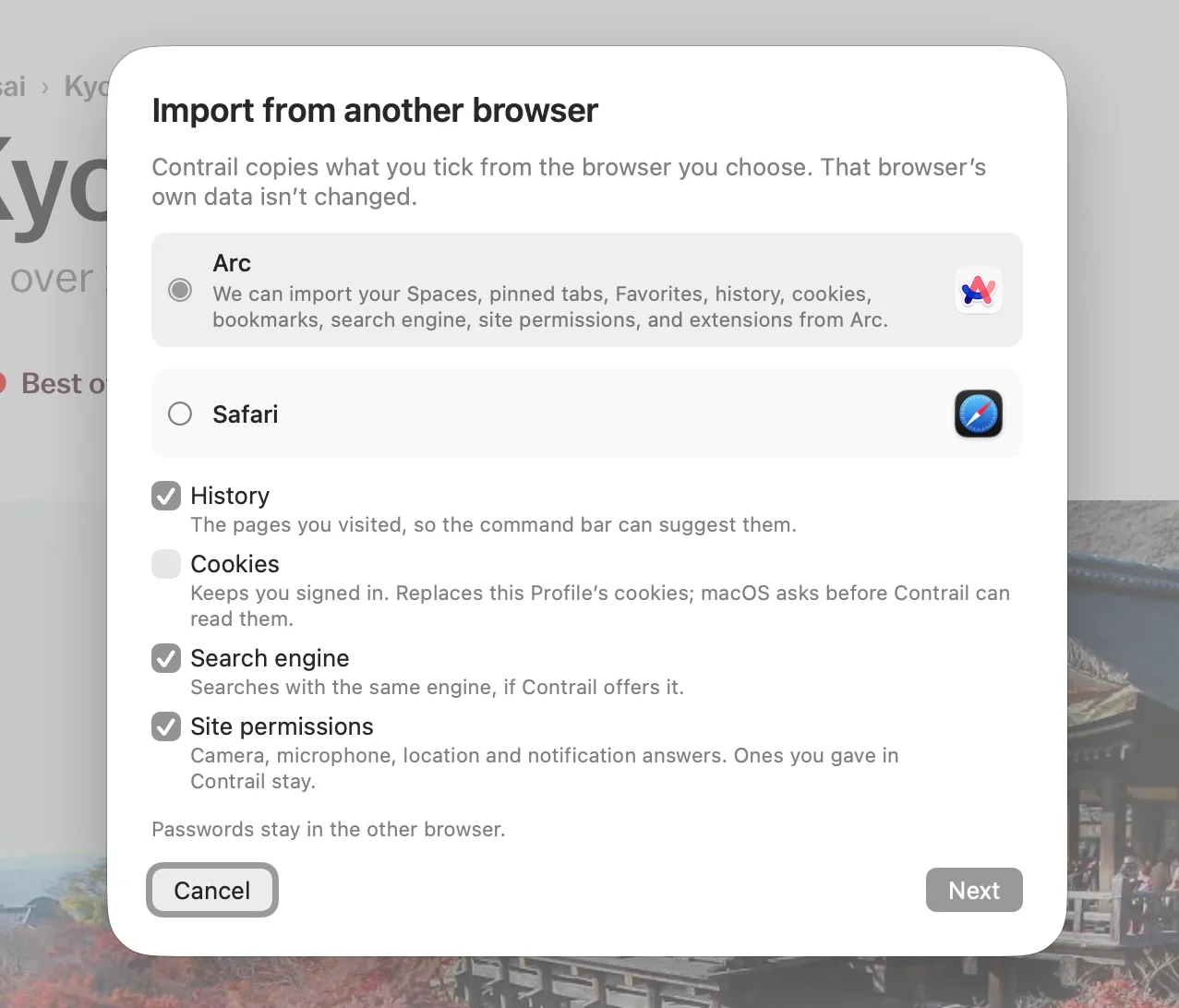
Your Arc setup comes with you.
Import your Spaces, pinned tabs and history in one step.
- Spaces with their colors and pinned tabs
- Favorites and bookmarks
- History, plus cookies if you want to stay signed in
- Extensions and site permissions
Also imports from Chrome, Brave, Firefox and Safari.
The same Spaces on every device.
Synced through your iCloud.


For people who never close a tab.
You don’t have to. Contrail moves unpinned tabs to the Archive after 12 hours, still a click away.
Keep work and travel in separate Spaces.
Each Space has its own tabs and color.
Pin the tabs you’ll come back to.
Everything else moves to the Archive after 12 hours.
Compare pages without switching tabs.
Up to four pages side by side.
Open a link without losing your place.
Preview a link in a floating card.
Find the tab you already have open.
Type a few letters and jump straight to it.
Browse without ads and trackers.
Built in. Nothing to install.
No account and no analytics.
- Browsing historyStays on your devices
- SyncYour own iCloud
- Mac crash reportsOnly if you opt in
What’s next.
-
Waiting on Apple
Default browser on iPhone and iPad
Open every link in Contrail.
-
Waiting on Apple
Passkeys
Sign in with Face ID or Touch ID instead of a password.
-
In progress
Contrail 1.0
Bug fixes, then the first stable release.
Questions before you switch.
Is it really free?
Yes. Every version is free, and it shows no ads.
Does it work with my extensions?
On the Mac you can add extensions from the Chrome Web Store. On iPhone and iPad, turn them on in Contrail’s Settings › Extensions.
What is Contrail built on?
WebKit, the engine Safari uses.
Is Contrail still in beta?
Yes, it’s version 0.9. The Mac app updates itself, and the iPhone and iPad app is a public beta on TestFlight.
Who makes Contrail?
One independent developer builds and maintains it.
What happens to my tabs if Contrail stops?
They stay where they are. Your Spaces are in your own iCloud and your history is on your devices, not on a Contrail server.

Bring your tabs to Contrail.
Free on Mac, iPhone and iPad. Coming from Arc? Import before December 22.Free on Mac, iPhone and iPad. Coming from Arc? Import on your Mac before December 22.
Mac 0.9 beta · macOS 15.4 or later